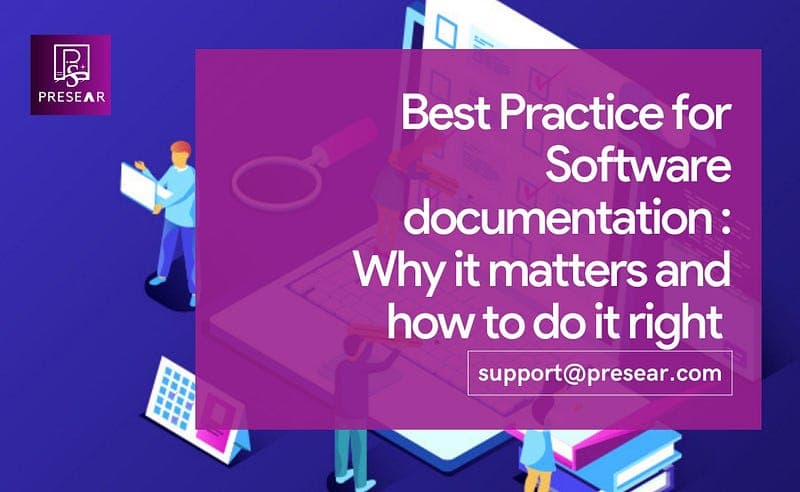
Software documentation is an essential part of the software development process. It helps to communicate the functionality and structure of the software to different stakeholders, including developers, testers, project managers, and end-users. Good documentation can improve the quality of software development, increase productivity, and reduce errors.
Before going Further First of all let’s see:
What is Software Documentation?
Software documentation is the process of creating written, visual, or audio materials that explain how a software application works, its functionality, and its underlying structure. It includes technical documents such as user manuals, system documentation, installation guides, design specifications, and API documentation.
What is the Purpose of Software Documentation?
The purpose of software documentation is to provide information that helps stakeholders and end-users to understand the software application and use it effectively. Good documentation can make it easier to install, configure, and operate software applications, reduce the time and cost of troubleshooting issues, and improve the overall quality of software development.
Now Let’s discuss best practices for software documentation and why it matters.
- Define the purpose and scope of the documentation
The first step in creating software documentation is to define the purpose and scope of the document. This will help to ensure that the documentation is relevant and useful to its intended audience. Identify the target audience and their needs and objectives, and tailor the documentation to meet those needs.
2. Use clear and concise language
Documentation should be written using clear and concise language. Use simple words and avoid jargon and technical terms that may not be familiar to the target audience. Use active voice and short sentences to make the documentation easier to read and understand.
3. Provide examples and diagrams
Visual aids such as diagrams, flowcharts, and examples can help to illustrate complex concepts and make the documentation more accessible. Use these tools to supplement the text and provide additional context.
4. Use consistent formatting and structure
Consistent formatting and structure can make the documentation easier to navigate and read. Use headings, subheadings, bullet points, and other formatting tools to organize the information and create a logical flow. Use a consistent style throughout the document.
5. Update the documentation regularly
Software documentation is not a one-time activity but a continuous process. Update the documentation regularly to reflect changes in the software and to ensure that it remains relevant and useful. Establish a process for updating and maintaining the documentation, and ensure that it is followed.
6. Solicit feedback and review
Get feedback from stakeholders and end-users to ensure that the documentation meets their needs and is useful. Review the documentation regularly to identify areas for improvement and to ensure that it remains accurate and up-to-date.
In conclusion we can say that Software documentation is a critical component of the software development process. It helps to ensure that the software is developed correctly, and that stakeholders and end-users can understand its functionality and structure. Following best practices such as defining the purpose and scope of the documentation, using clear and concise language, providing examples and diagrams, using consistent formatting and structure, updating the documentation regularly, and soliciting feedback and review can help to create effective software documentation. By prioritizing documentation as an essential part of the software development process, developers can improve the quality of software development, increase productivity, and reduce errors.
- Visit our website — Our website should have a “Contact Us” page with our contact information.
- Look for contact information — Check our website for contact information such as email addresses, phone numbers, and physical addresses.
- Email or Call — Depending on the type of support you need, you can either email us or call our support team. Our contact information should be listed on our website.
- Social Media — You can also reach out to us via our social media pages such as Facebook, Twitter, or LinkedIn.
- Live Chat — We may have live chat support on our website, which can be a convenient way to get in touch with us quickly.
- Submit a Support Ticket — If you have a specific technical issue, you can submit a support ticket via our website.
Mail us: support@presear.com
Phone: +91 7008187611